Mining Help
NiceHash Miner not picking the most profitable algorithm?
In some edge cases, NiceHash Miner will not pick what should be the most profitable algorithm but will pick a second most profitable algorithm. There are a couple of reasons for that.
- Unstable algorithm or miner
- Bad benchmark results
Unstable algorithm or miner
NiceHash Miner constantly detects if a miner (plugin) is stable or not. In case that the miner (plugin) will restart 3 times in the last 3 minutes, the miner gets tagged as temporary unstable. In this case, NiceHash miner will choose the next most profitable algorithm based on the benchmark results.
Once NiceHash Miner is restarted, the unstable algorithm is restarted and the most profitable algorithm should be picked again. Make sure to solve the algorithm/miner issues before starting the mining again or the issues will repeat. Alternatively, we suggest installing another 3rd party miner (plugin) as explained here.
Bad benchmark results
1. Increase benchmarking time
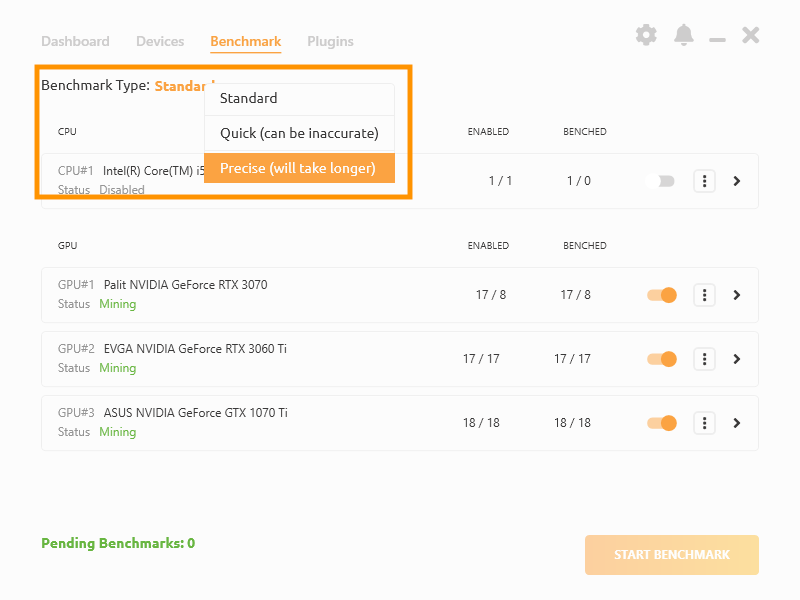
Sometimes, miners require more time as usual to be benchmarked correctly. If the mining speed is higher (or lower) than benchmarked speed, we suggest increasing benchmarking time. NiceHash Miner supports three benchmark types:
- Quick (30 seconds)
- Standard (60 seconds)
- Precise (120 seconds)
You can change the Benchmark type in the Benchmark tab inside NiceHash miner.
2. Manually input benchmark speed
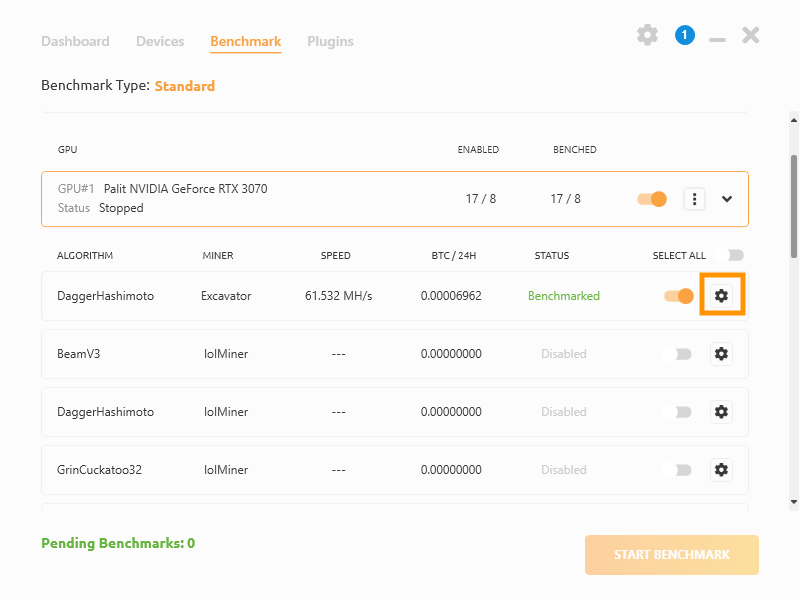
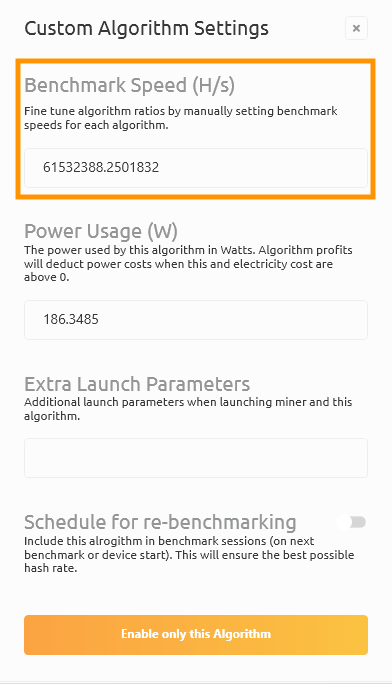
In some rare occurrence, even the Precise benchmark type will not do the job correctly. We suggest manually inputing the benchmark values via Custom Algorithm Settings inside Benchmark tab.
Note that mining must be in Stopped state to edit Custom Algorithm Settings.