General Help
How to deposit USDT/USDC
If you already own Tether (USDT) or USD Coin (USDC) and want to transfer it to your NiceHash wallet, follow this step-by-step guide to deposit USDT/USDC safely and correctly. Deposits are subject to fees.
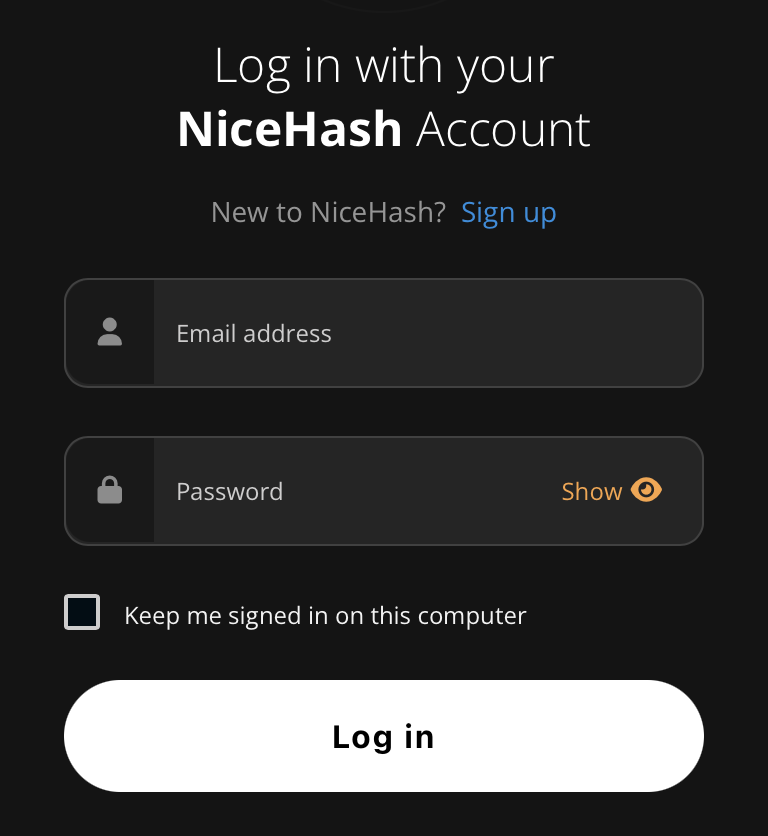
STEP 1: Log in with your NiceHash account.
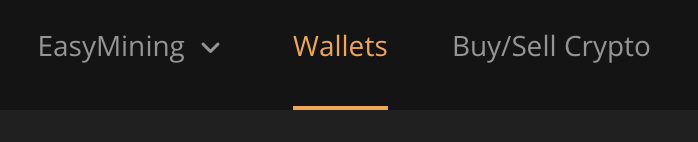
STEP 2: Click the Wallets tab.
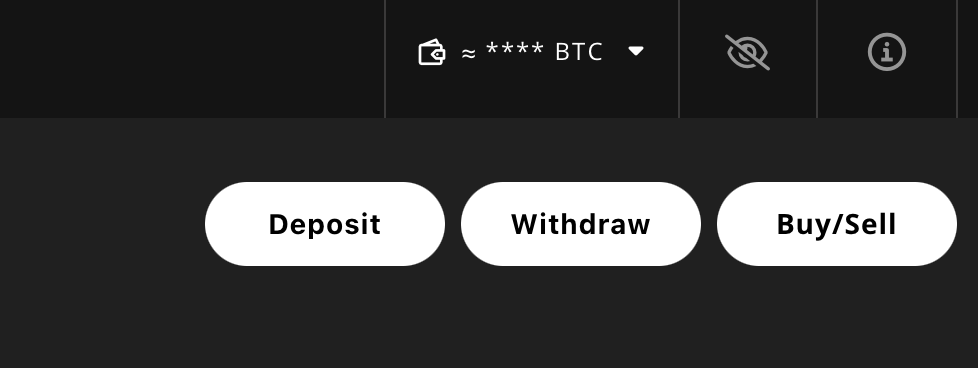
STEP 3: Click the Deposit button on the top right.
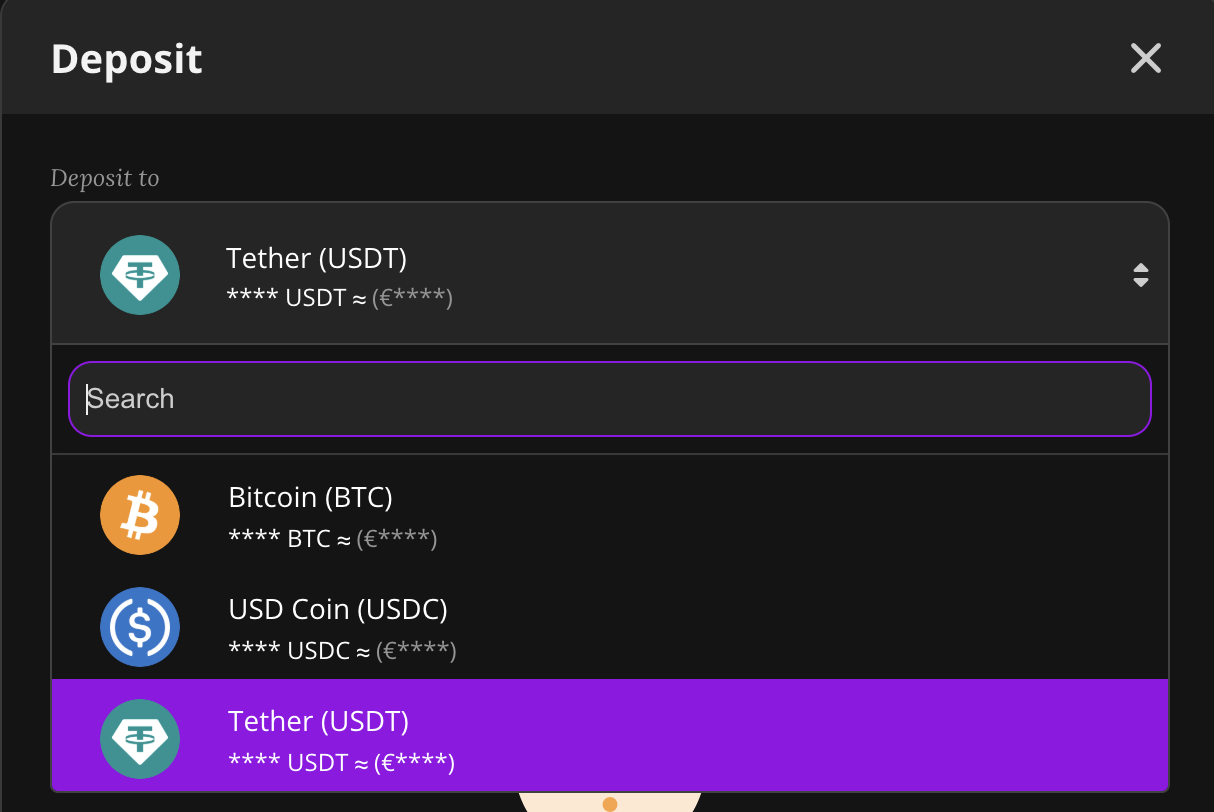
STEP 4: Choose Tether (USDT) or USD Coin (USDC) from the drop-down list.
STEP 5: Choose the network from the drop-down list below. Make sure it matches the network your own wallet uses to send funds.
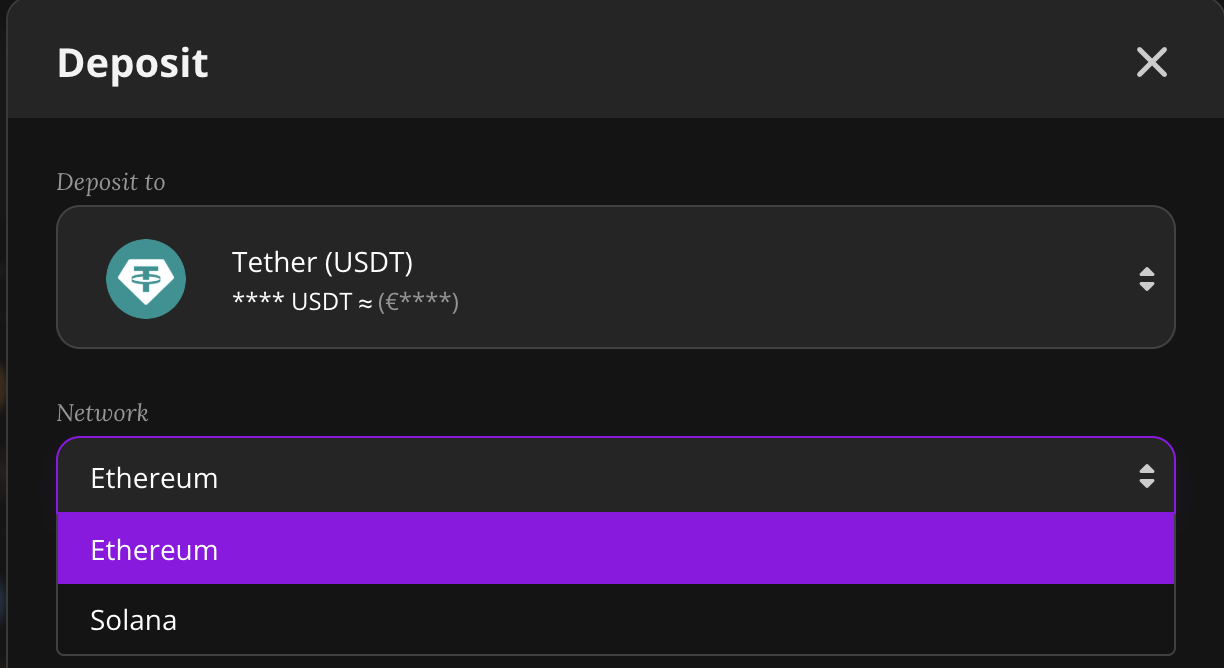
STEP 6: Click the “Show USDT/USDC address” button.
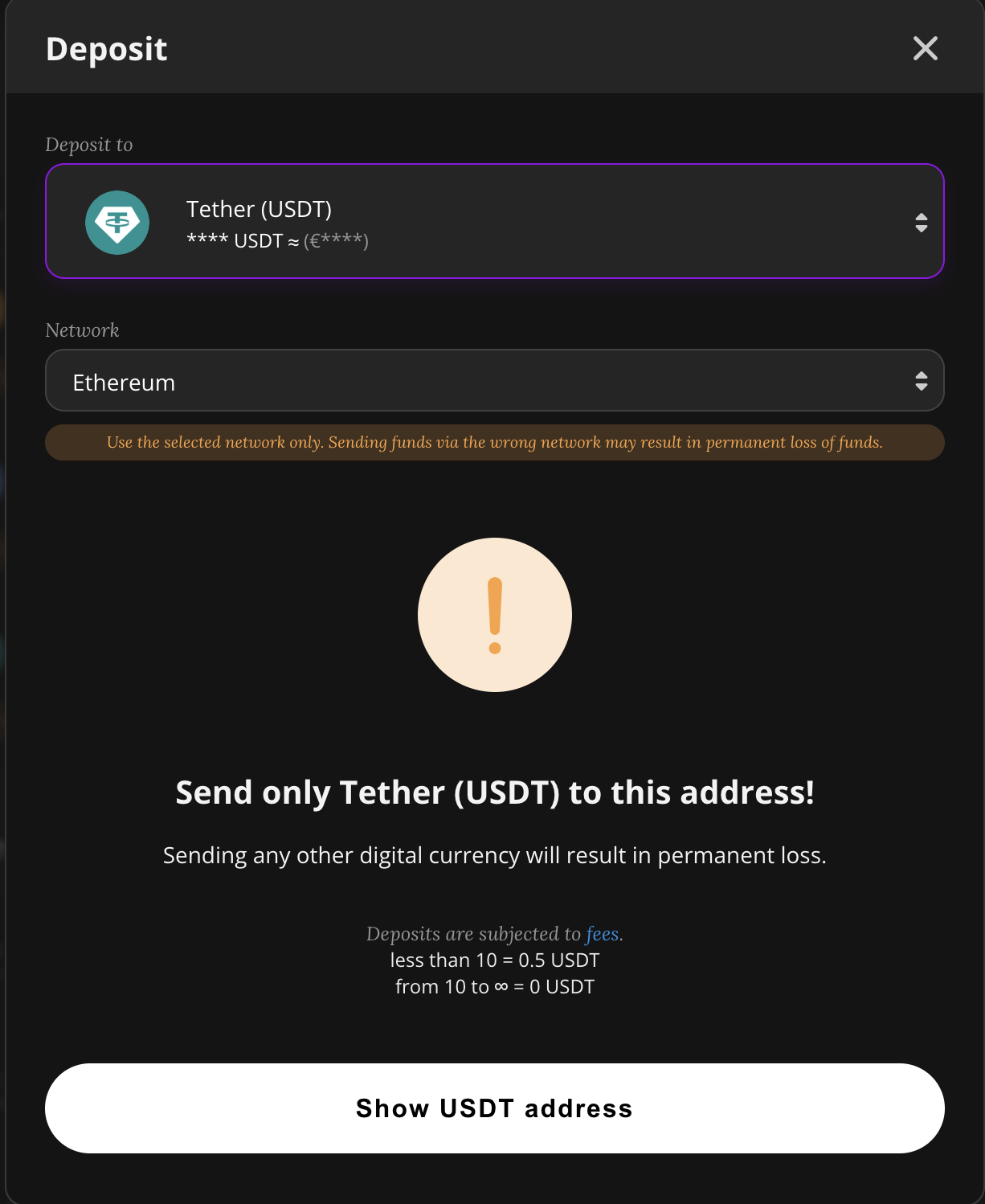
STEP 7: In this step, you have to open the wallet where your USDT/USDC is currently stored. This might be your exchange account, your hardware wallet or your mobile wallet. Every USDT/USDC wallet has a different interface but you should find a SEND or WITHDRAW button.
STEP 8: Copy and paste your deposit address from NiceHash to your USDT/USDC wallet or scan the QR code with your smartphone if you are using a mobile wallet or app.
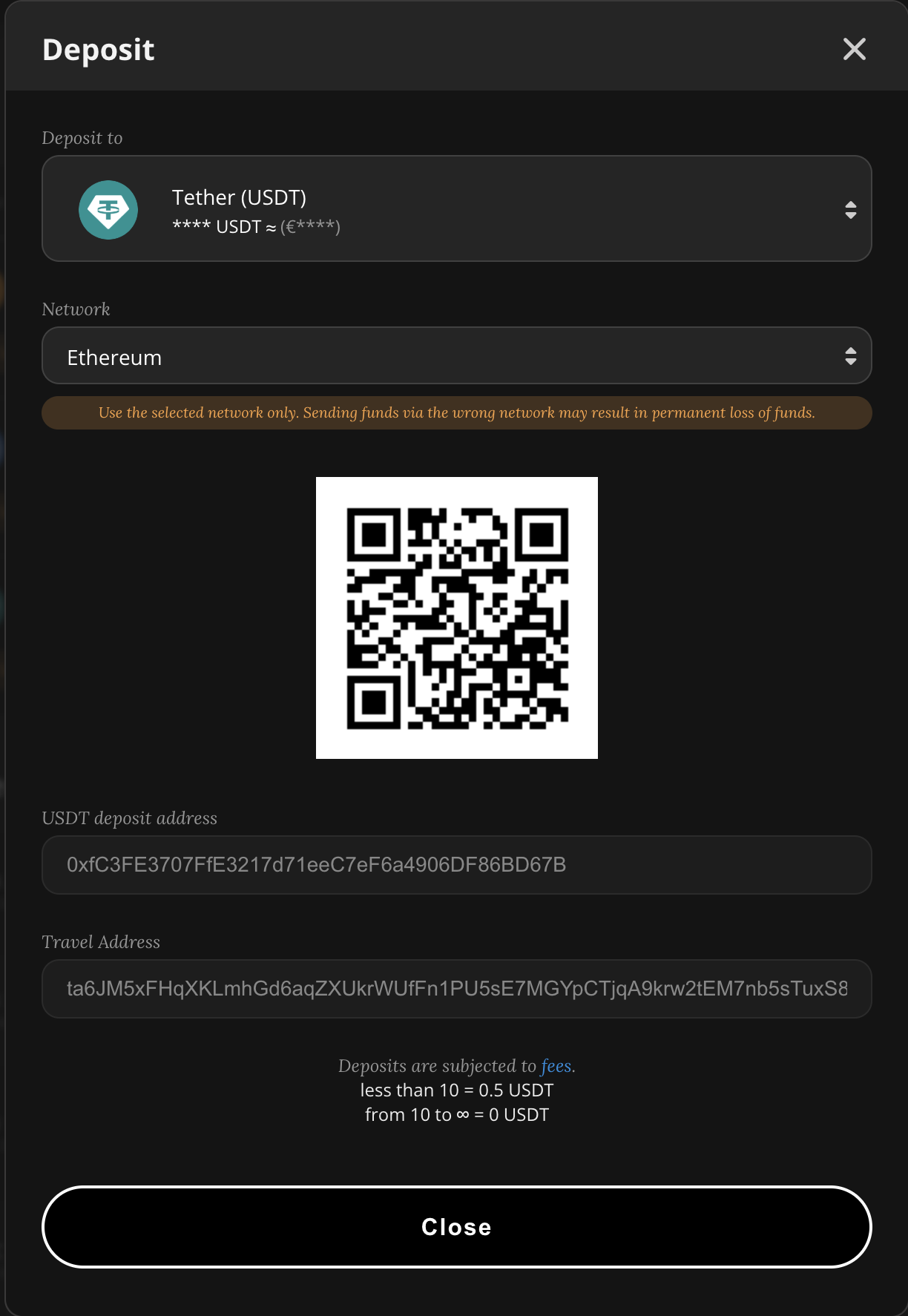
Important: Double-check the address and network before sending. Only send USDT/USDC using the selected network to this address. Make sure the network matches the one used by your own wallet. Depositing the incorrect cryptocurrency or using the wrong network might result in the irreversible loss of funds!
STEP 9: Enter the desired amount and confirm the transaction within your USDT/USDC wallet. Once the transaction is confirmed on the selected network, you will see the deposit in your NiceHash wallet.
STEP 10: In case your deposit is withheld, please resolve it by providing the required Travel Rule data.