General Help
How to add OTP device?
At NiceHash you can use the Yubico OTP device. A Yubico OTP is a 44-character, one use, secure, 128-bit encrypted Public ID and Password, that is near impossible to spoof.
Follow these steps to add a Yubico device to your NiceHash account:
1. Open your Settings and click on the ADD YUBICO DEVICE button.
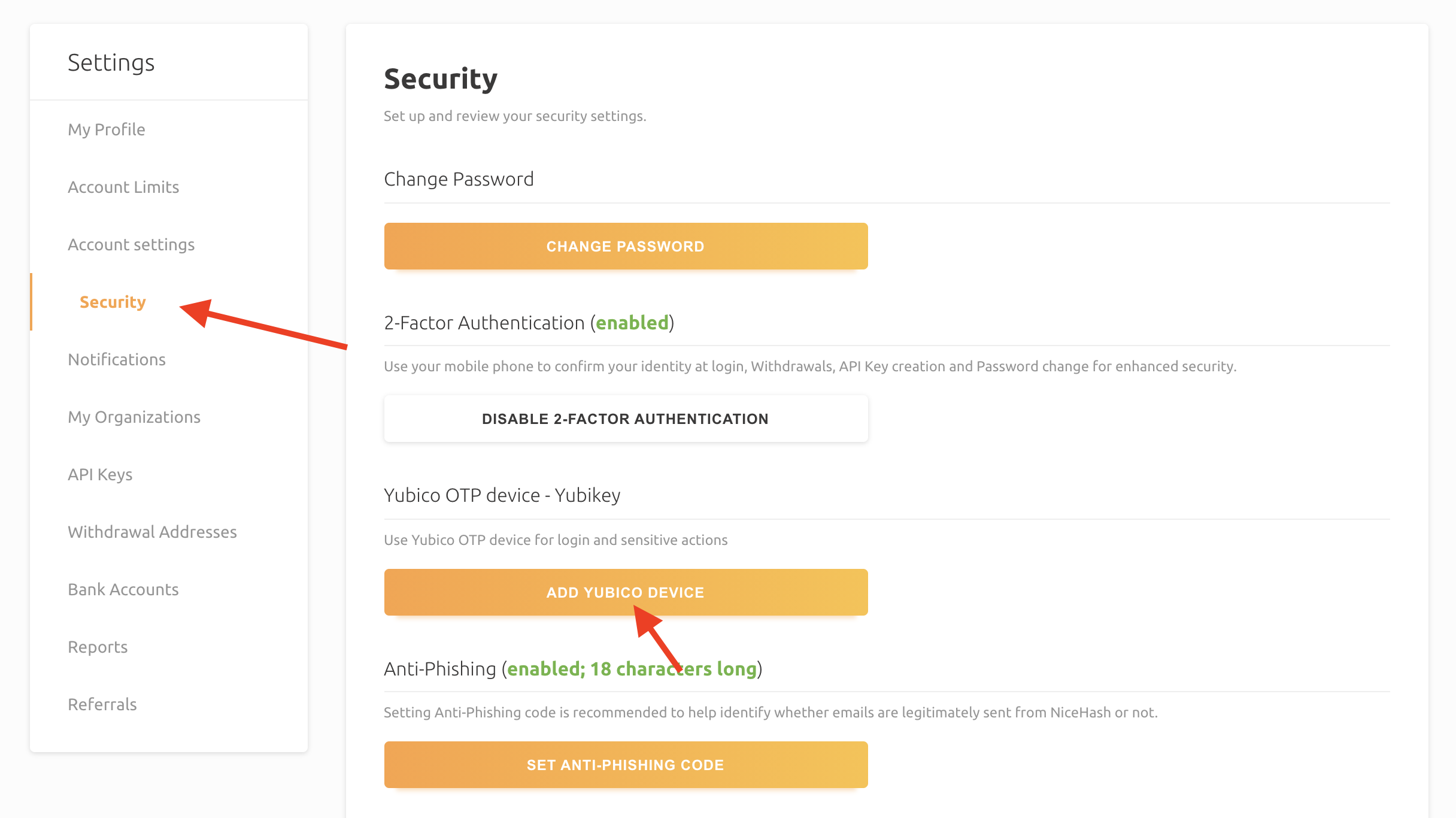
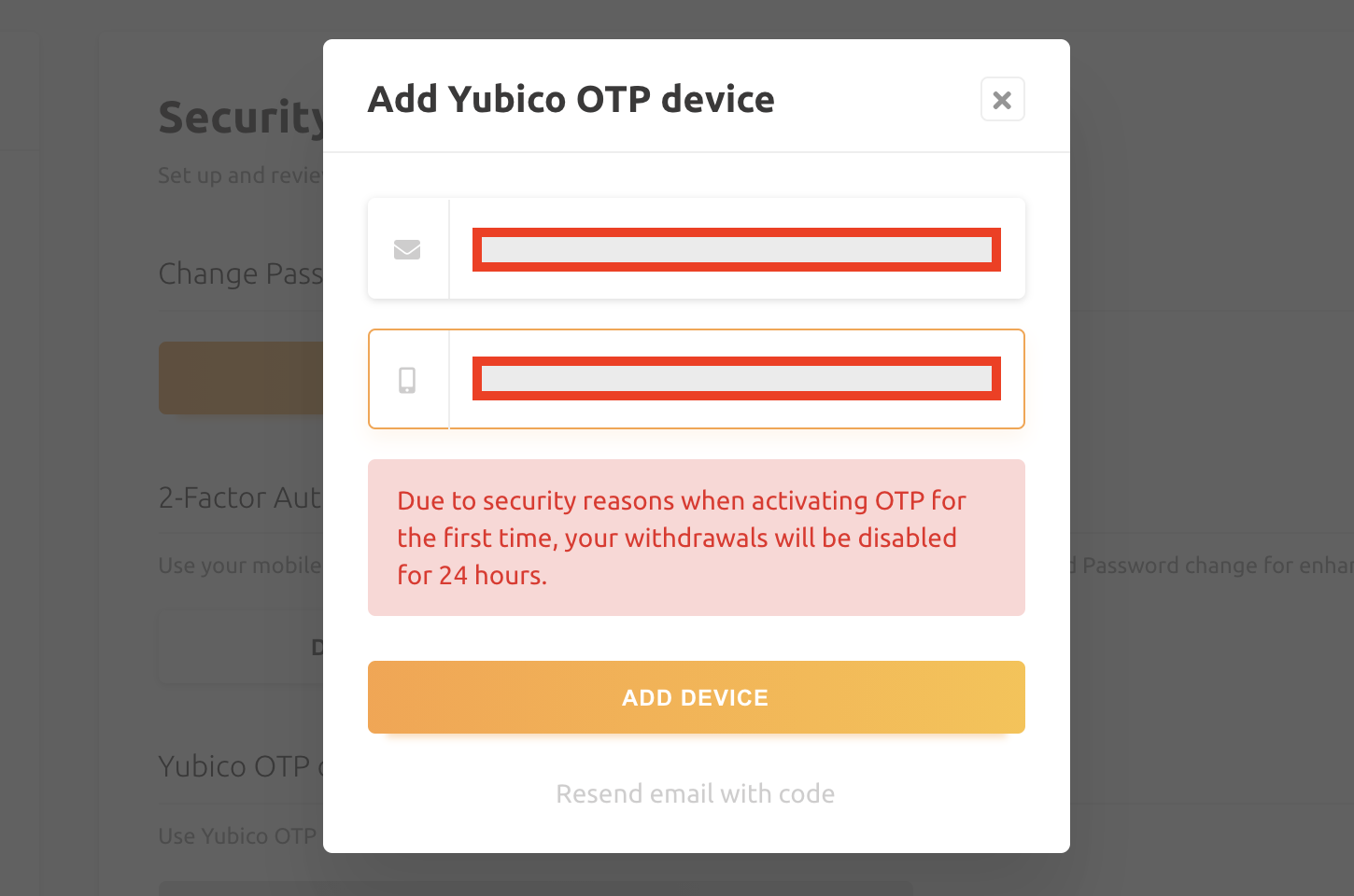
2. Check your email and copy/paste the security code in the first field.
3. Touch your Yubico device to enter one-time-password.
4. Click ADD DEVICE.
General
This website uses cookies to ensure you get the best experience on our website.