General Help
How to import a wallet into a different wallet?
Some wallet providers do not support signing wallets. In such cases, wallets can be imported into different wallets that do support signing.
Follow the steps below to import a wallet from a service that does not support signing into a wallet service that does support signing wallets.
1. Download the wallet that supports signing (in this case we will use Sparrow wallet).
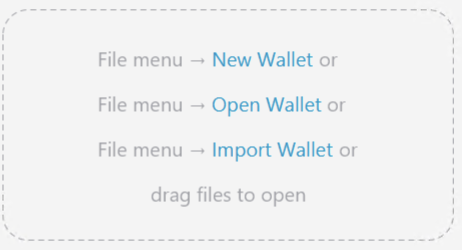
2. Select Import Wallet.
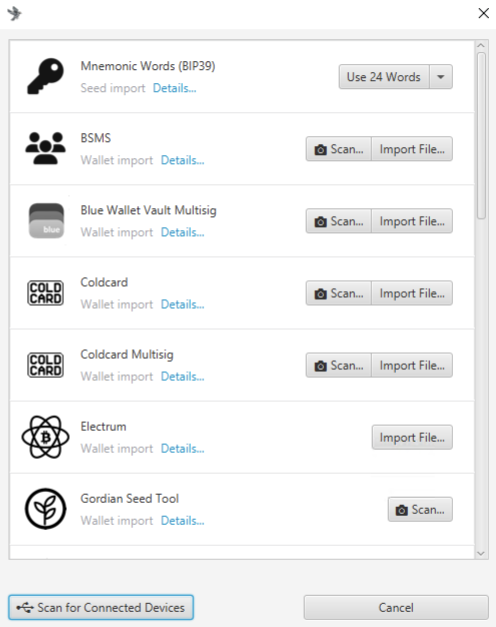
3. Select the wallet import method (in this case we will be importing 12-word Mnemonic).
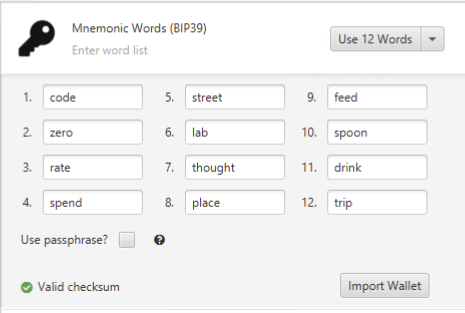
4. Enter the recovery words from the wallet you are trying to import.
5. Verify that the recovery phrase is correct and click Import Wallet.
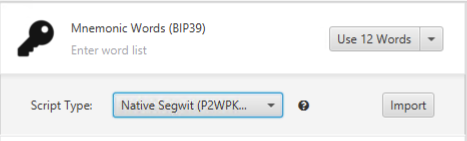
6. Select the Scrypt Type (in this case we are using Native Segwit P2WPKH) and click Import.
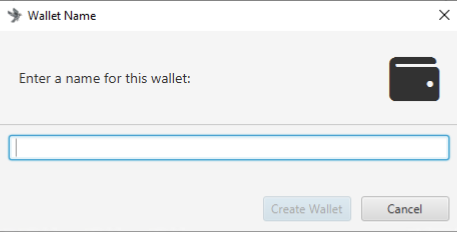
7. Enter the wallet name and click Create Wallet then wait for the wallet to be imported.
8. (Optional) Enter a wallet password.