General Help
How to deposit Bitcoin (BTC)
If you already own Bitcoin and want to transfer it to your NiceHash wallet, follow this step-by-step guide to deposit BTC safely and correctly. Deposits are subject to fees.
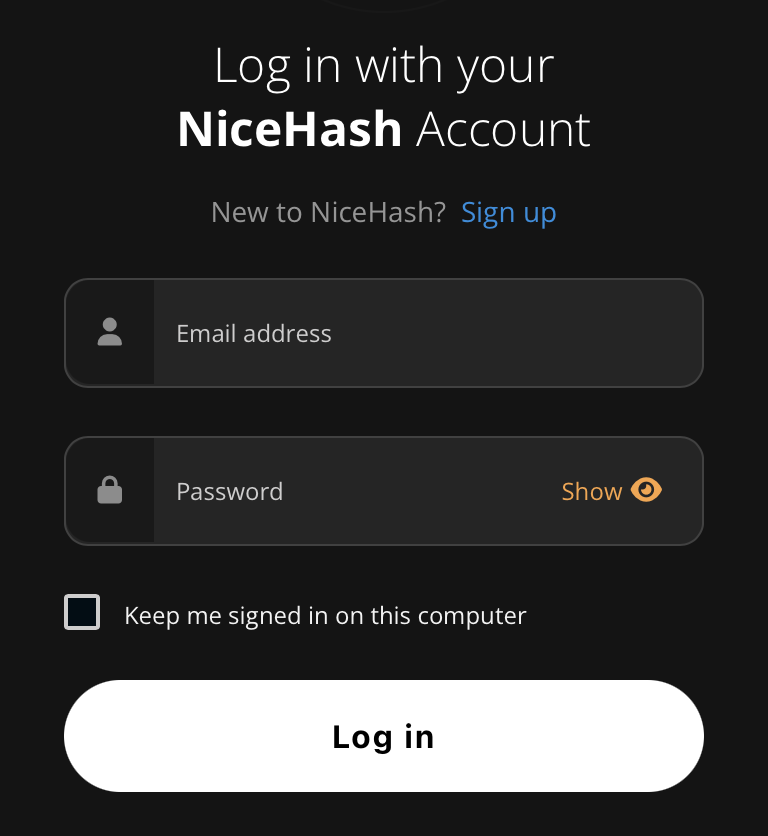
STEP 1: Log in with your NiceHash account.
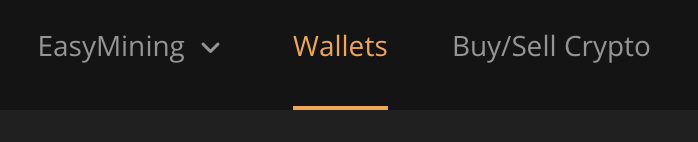
STEP 2: Click the Wallets tab.
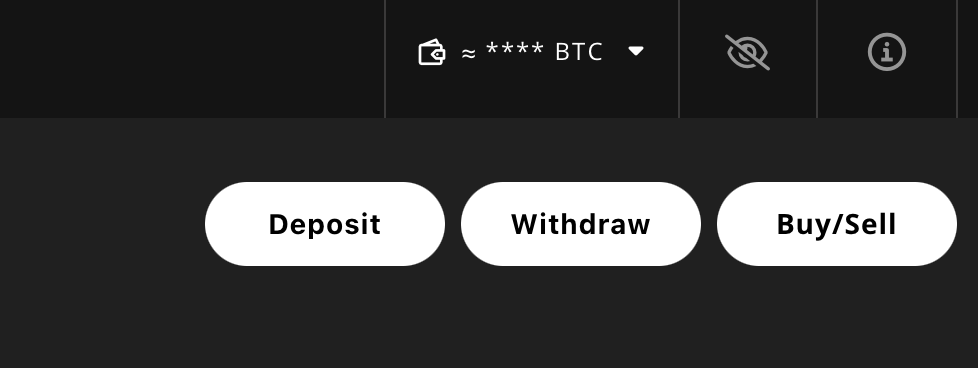
STEP 3: Click the Deposit button on the top right.
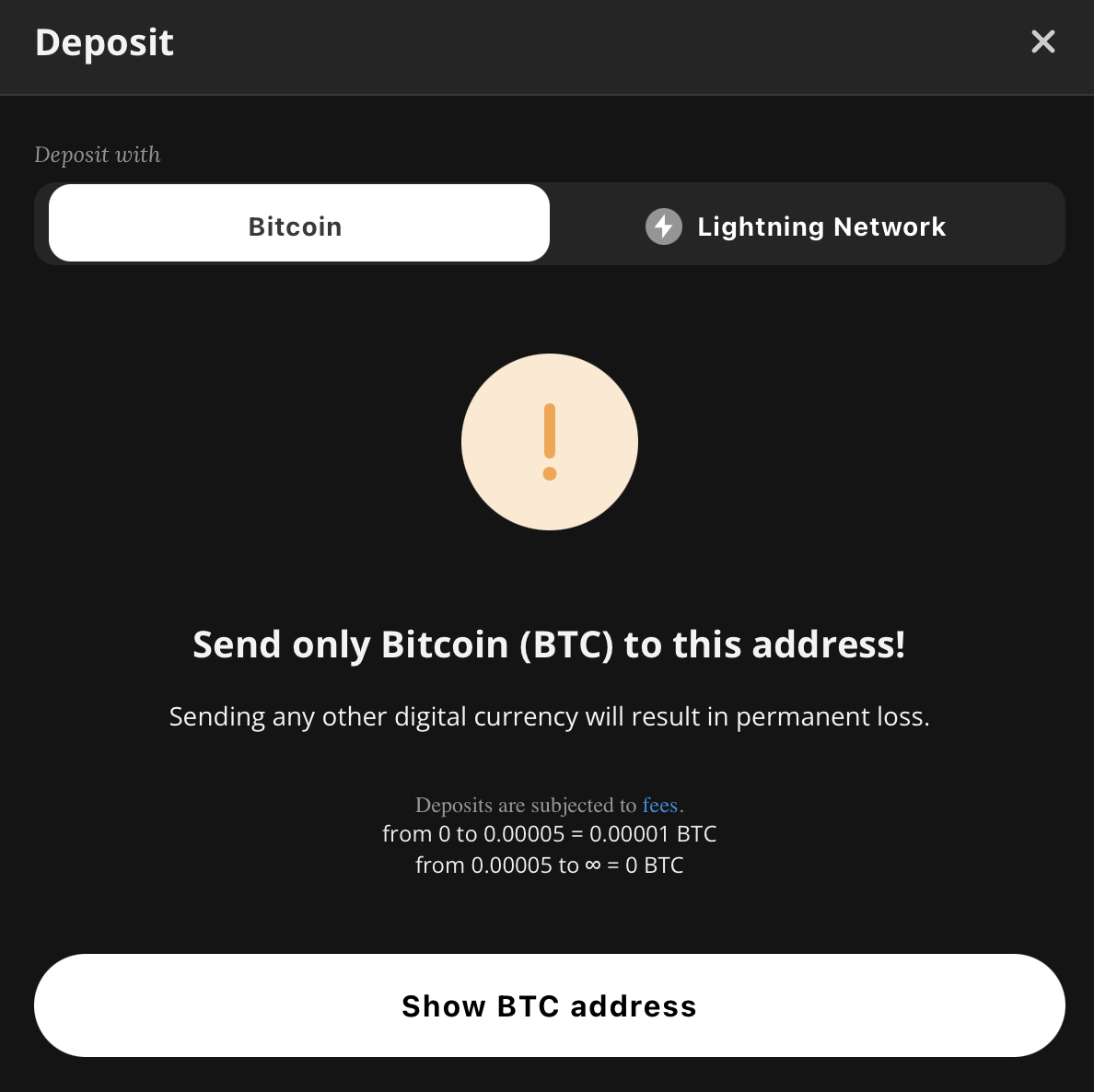
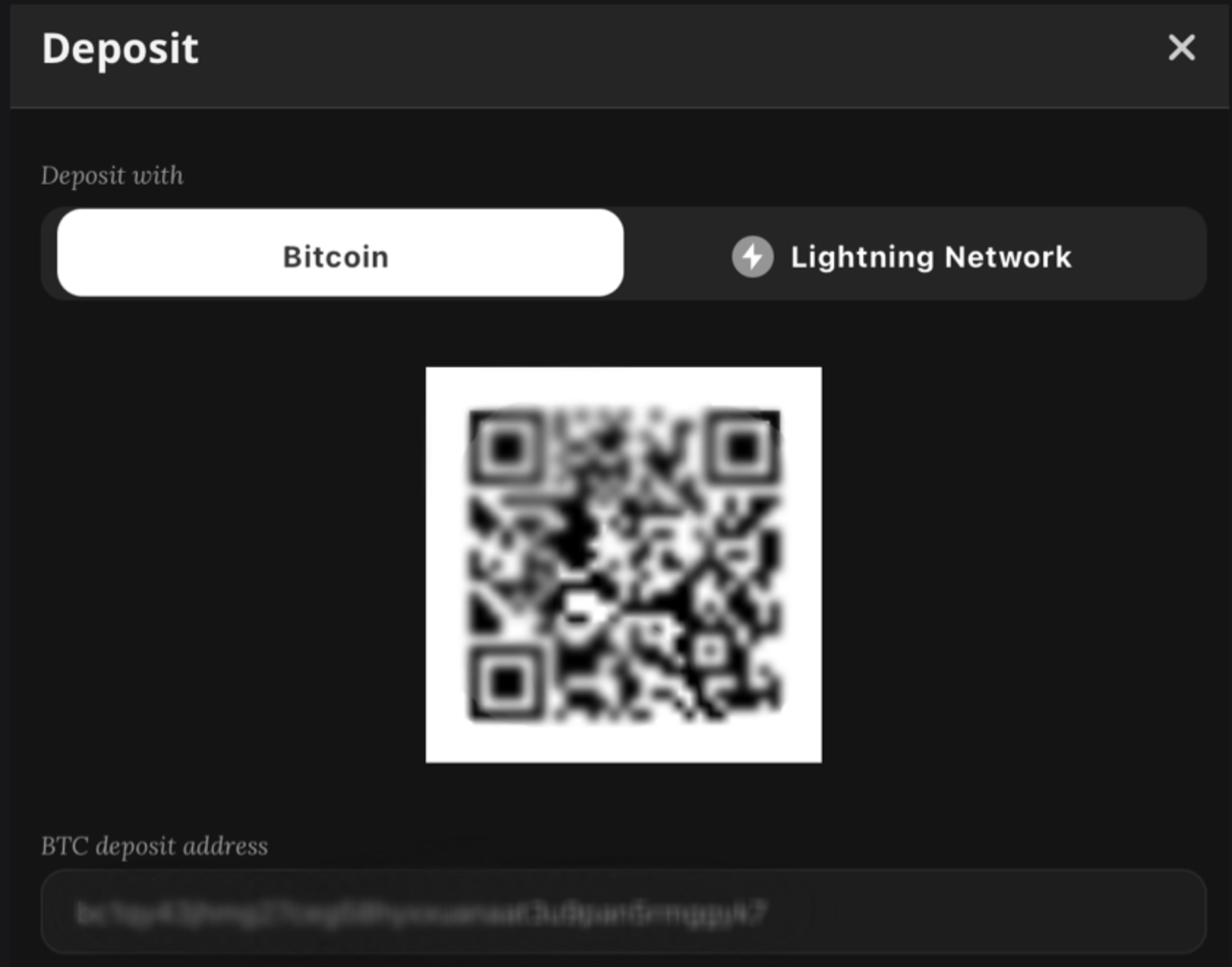
STEP 4: Click the “Show BTC Address” button.
STEP 5: In this step, you have to open the wallet where your BTC is currently stored. This might be your exchange account, your hardware wallet or your mobile wallet. Every BTC wallet has a different interface but you should find a SEND or WITHDRAW button.
STEP 6: Copy and paste your deposit address from NiceHash to your BTC wallet or scan the QR code with your smartphone if you are using a mobile wallet or app.
Important: Double-check the address before sending. Only send Bitcoin (BTC) to this address. Depositing the incorrect cryptocurrency to a specific address might result in the irreversible loss of funds!
STEP 7: Enter the desired amount and confirm the transaction within your BTC wallet. Once the BTC miners and the network have confirmed the transaction you will see the deposit in your NiceHash wallet.