General Help
Lost password? How to reset your password?
If you want to change your password, you can do that in your settings under the "Security" tab. If you have forgotten or lost your password, you can reset it here. Your password won't be changed until you confirm this action via email.
If you reset your password (and you don't have 2FA enabled), we will disable all withdrawals, API keys, and some parts of buying for your account for up to seven days. This is due to security reasons in case your account gets hacked.
Here are three simple steps how to complete password reset/change for your account:
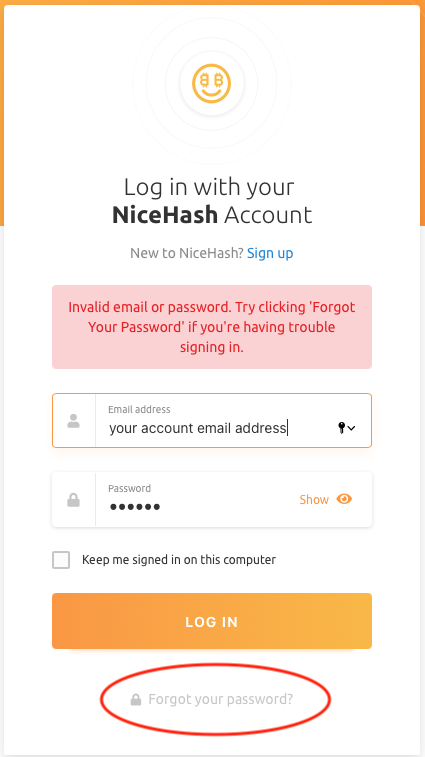
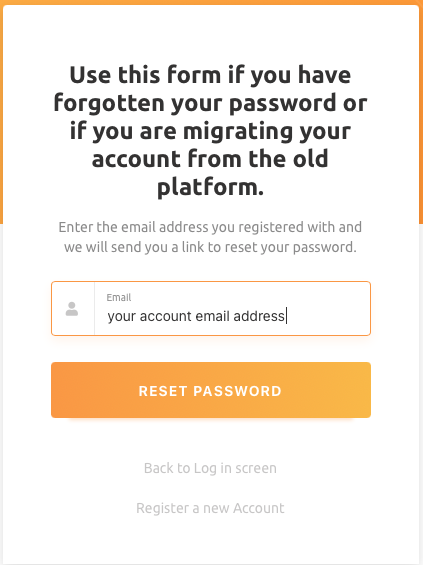
1. Navigate to the login screen and enter the email address you registered at NiceHash. If there's a NiceHash account linked to this email, we'll send over instructions to reset your password.
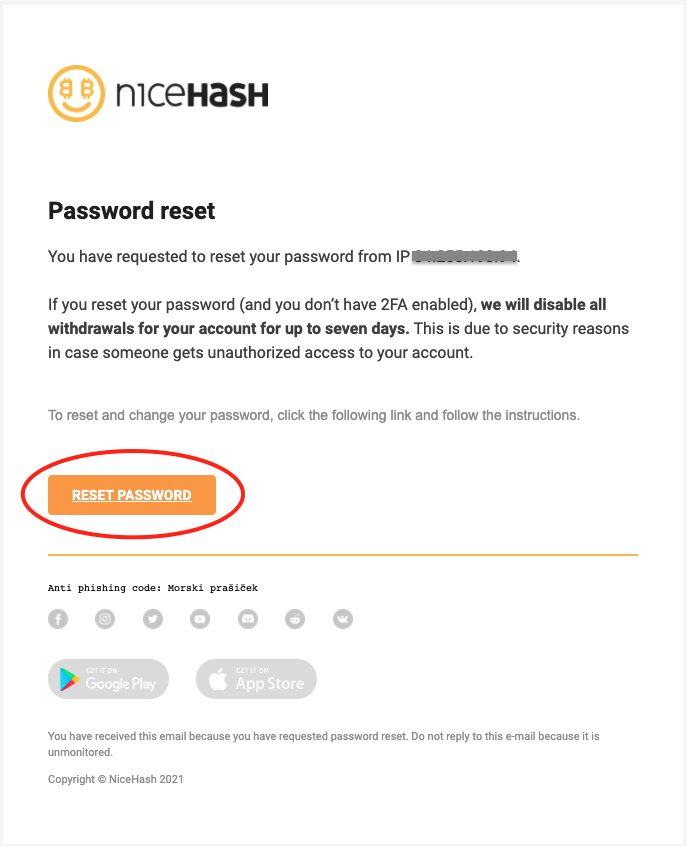
2. Check your account email, click the following link and follow the instructions.
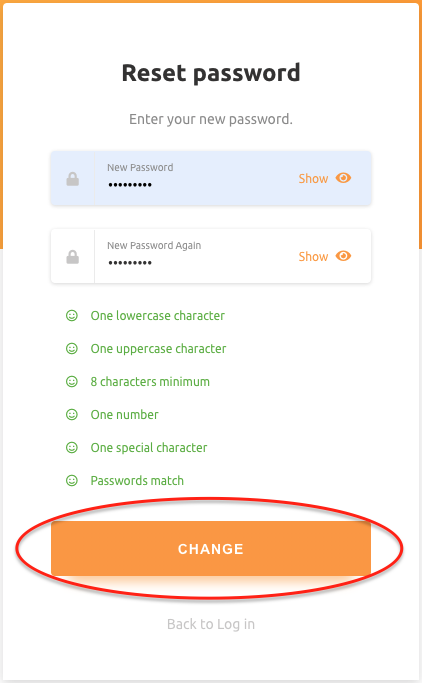
3. Enter your new password and click change.