General Help
How to delete an organization?
To delete an organization you must first log into your NiceHash account and into the organization you wish to delete.
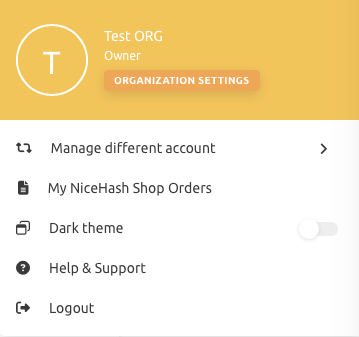
1. Once you are logged into the selected organization click the Organization Settings button.
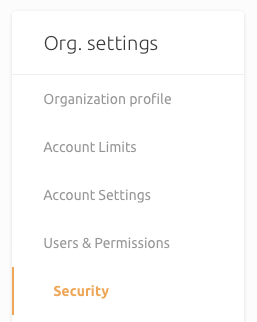
2. From there select the Security tab.
3. Click the Delete Organization button to begin the deletion process and click Yes once prompted to confirm the deletion.
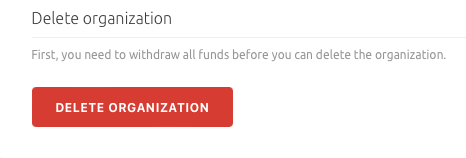
Note: You need to stop all active orders and withdraw all your funds before the deletion of the organization.
General
This website uses cookies to ensure you get the best experience on our website.