EasyMining
Where can I find info on shares, pool, and verify the actual mining?
If you already are familiar with mining and how it works, you probably want to know more details than in most of these help articles, which are aimed at new users. Click on your package (either a running one, or you can also do this on past completed packages), and then click the three dots in the top right corner and go to "Go to my order".
From here, you can see all the data about the mining, such as shares, speed, pool speed, delta and more.
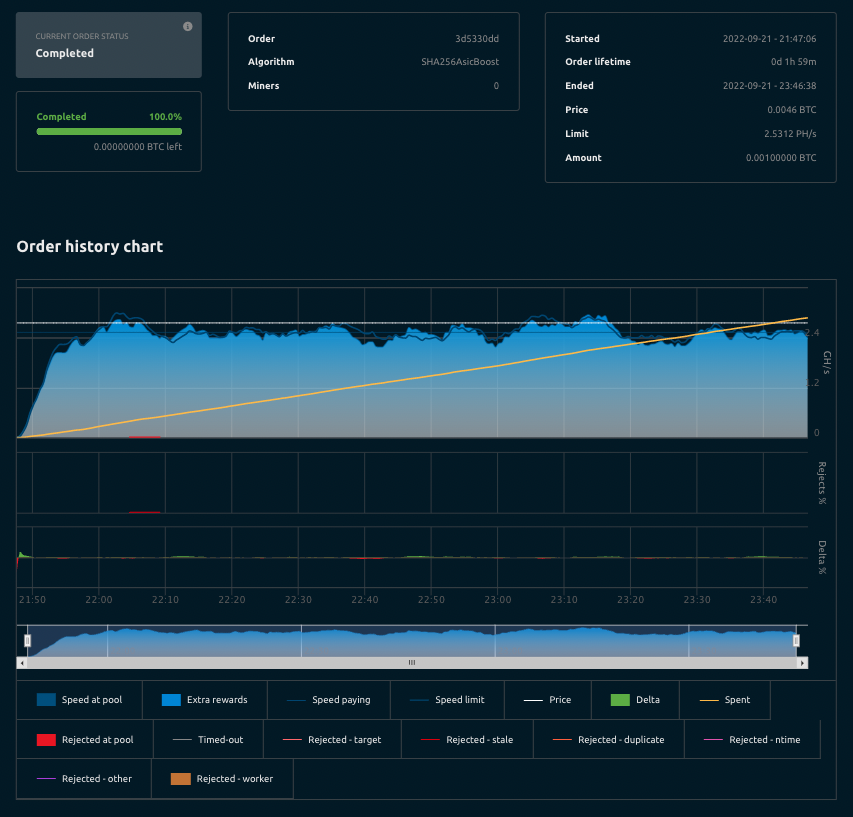
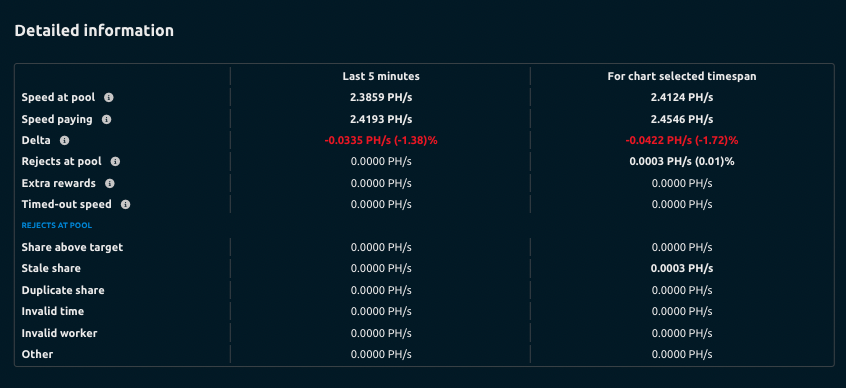
Further down you can see some more information about shares and full breakdown of stats at 5 minute intervals.
Troubleshooting
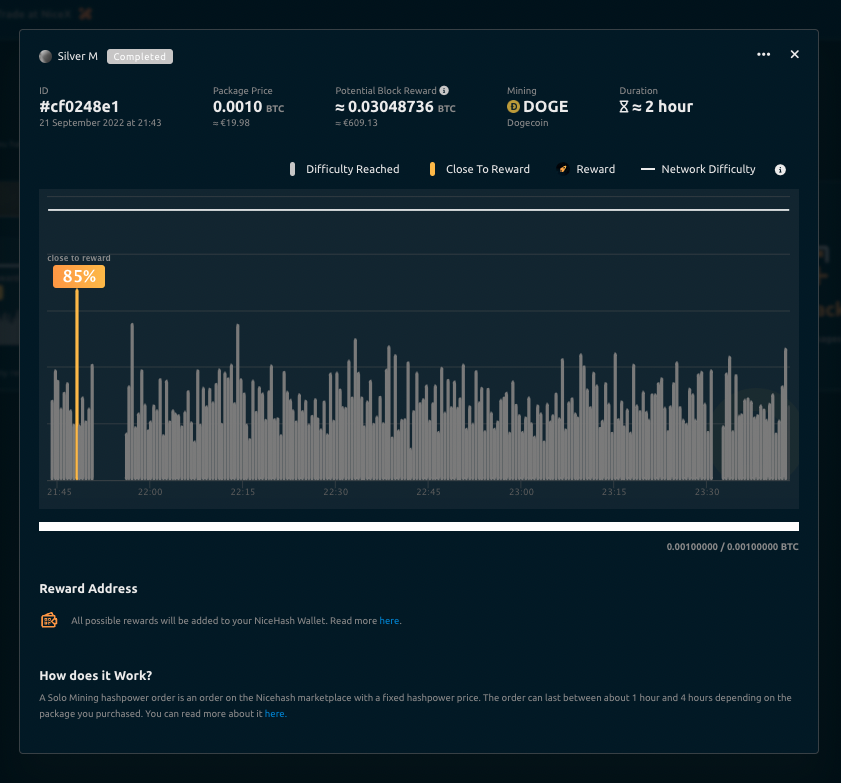
If you happen to notice a 'gap' in the chart, don't worry, you are not paying if there is no speed on your order. Your order will simply adjust the speed and/or time for the full amount of your packages value.
For any other questions or if you need help, just get in touch with our support team.