NiceHash Miner 1.9.2.18 brings RandomX to support Monero fork
Dear NiceHash miners!
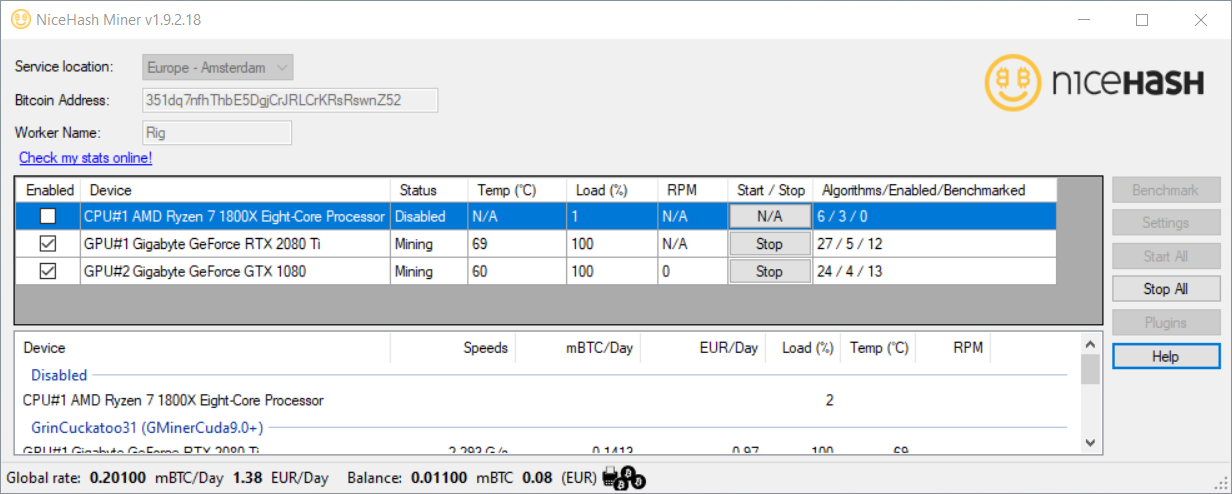
To support Monero fork we have updated NiceHash Miner to version 1.9.2.18 and is available for download here. Learn how to optimize CPU mining performance for Monero by reading this guide.
This version brings the following changes:
- Added support for the RandomXmonero algorithm.
Preinstalled miner plugins:
- CCMinerTpruvot
- ClaymoreDual14
- CPUMiner
- GMiner
- LolMinerBeam
- MiniZ
- NBMiner
- Phoenix
- TeamRedMiner
- TRex
- XmrStakRx
- ZEnemy
How to report NiceHash Miner bugs?
Please attach log files (located in the "logs" folder) when submitting a customer support ticket. Tickets can be submitted here.
Important guidelines for using NiceHash Miner:
- NiceHash Miner is usually flagged by AV (anti-virus) software. This is normal, as almost every mining software on the market is blacklisted by AV. Just make an exception in your AV software to enable the proper operation of NHM.
- You may have to add an exception in your browser to enable NHM download. Learn how.
- We cannot guarantee for every 3rd party miner code thus you agree to use it at your own risk.
- We suggest you don’t use cryptocurrency wallets or have any access to any cryptocurrency, sensitive or important data on the same computer where you use NHM. NiceHash will never ask or use your private keys, but we cannot guarantee the same for the 3rd party miners included in NHM now or any time in the future.
- Add an exception to Windows Defender for the NiceHash Miner folder (after you unzip the package).
Thank you for your support!
Your NiceHash team!