How to start mining Bitcoin in 2022?
In this article, I am going to explain how to simply start mining. I will explain what basic hardware you need and how to quickly start mining and earning your first Bitcoin.
Note that this article is intended for beginners. Advanced users are aware that Bitcoin is not minable with GPU anymore. With NiceHash you are getting paid in Bitcoin, and are not actually mining Bitcoin. Learn more about how NiceHash works here.
What hardware do I need to start mining?
In theory, all you need is a modern CPU or a modern GPU in your PC. You can even mine with Laptops, but it is not recommended due to limited cooling capabilities.
For testing purposes, and to get your feet wet, even older Intel CPUs like Celeron or i3 will work. Of course, mining will not be profitable with low-end CPUs. But it will work.
What is recommended hardware for mining?
This depends on your preferences, budget, etc. But generally speaking, to mine with profit, you need a graphic card that has at least 6GB of VRAM. This is not a must though, mining will also work on 4GB cards.
Newer cards like NVIDIA RTX 2000 and 3000 series or AMD RX 5000 and 6000 series GPUs will be a good pick and starting point.
Some older cards, like the RX 400 and 500 series or GTX 900 and 1000 series are still capable of mining profitable. You can check the complete list of mining GPUs and other devices on our hardware list page.
Should I try mining in 2022?
YES!
If your GPU or CPU is on our supported list, then you should definitely try mining! You will probably not be a millionaire, but you will earn extra pocket money for extra video game, DLC, skin, or season pass. If you are not that much into games, then maybe you can use the extra pocket money for movie tickets for your significant other. ;)
If you are worried about damaging your hardware, you shouldn’t. Mining is, if done correctly, very safe. It is important to keep the GPU optimized for mining, which will keep the temperatures down.
I mean, even Linus Tech Tips published a video and showed that mining did not damage a GPU even after 10 months of continuous mining. Watch the video here.
You can read if it is worth to start mining in 2022 in this article.
How to start mining crypto in 2022?
QuickMiner (recommended for beginners)
With NiceHash it's easy to get started mining with our beginner friendly interface that still provides advanced features for power users and great profitability
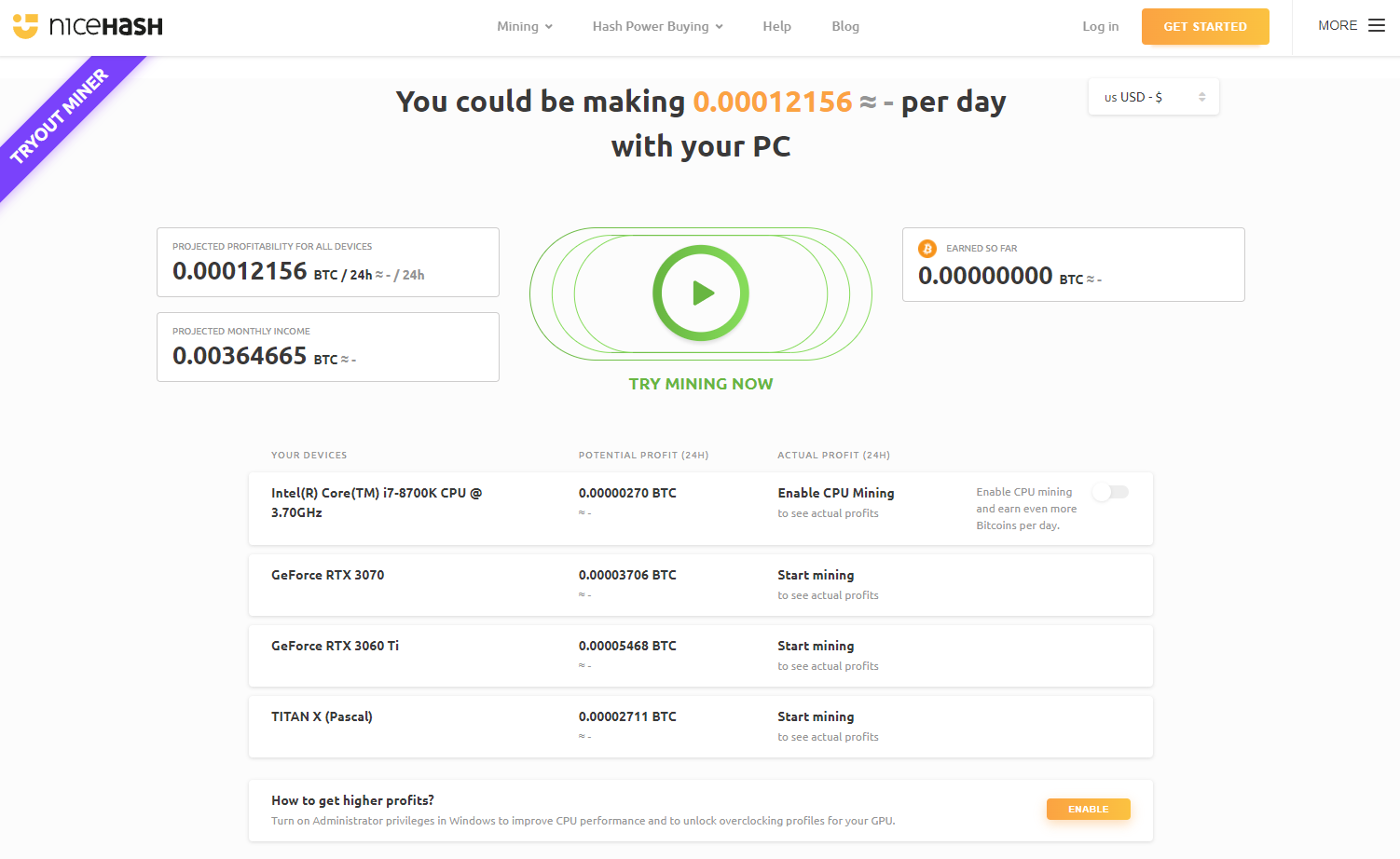
You can try our browser controlled miner called QuickMiner Tryout. Tryout version of QuickMiner will give you a quick and simple way to start mining in about 10 seconds.
Afterwards, you can create an account and use QuickMiner full version and you will be able to control and monitor your PC remotely. QuickMiner will allow you to set simple, yet effective overclock profiles, also known as Optimize profiles which will increase your profitability and lower GPU temperatures.
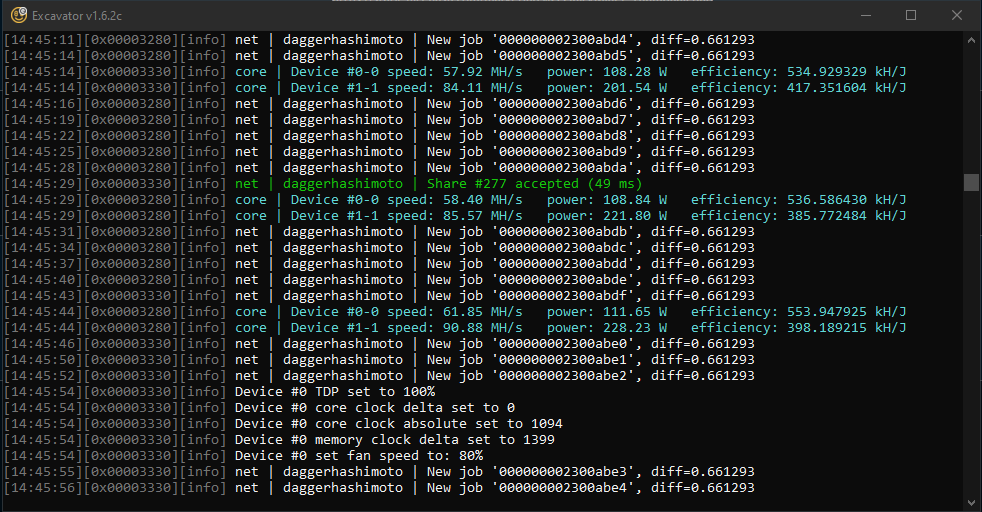
I highly recommend mining with QuickMiner first, as it is a very simple and basic, yet effective way of mining. It only supports GPUs with more than 5GB of VRAM. If you own a GPU with less than 5GB of VRAM, then you should use NiceHash Miner.
NiceHash Miner
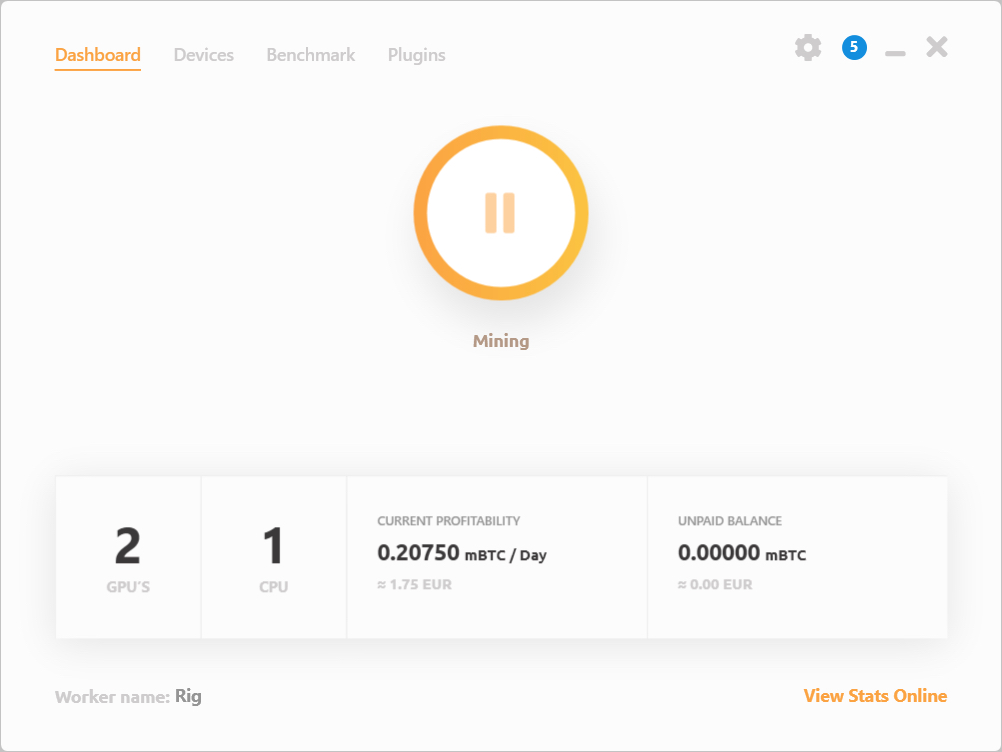
Alternatively you can install NiceHash Miner. A profit switching miner for Windows users. It has more advanced options than QuickMiner. It also features profit switching.
If you are experiencing any issue or are stuck with installing or running mining software for the first time, feel free to join the biggest and smartest mining community. Join NiceHash Discord and Reddit where our company representatives are happy to assist you!