Does mining latency matter?
In this article, we are going to talk about what mining latency is and how does it affect your earnings.
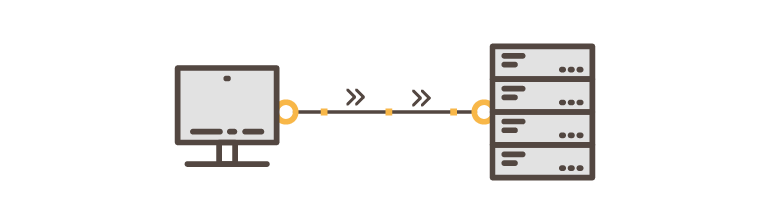
What is latency?
Latency is the amount of time it takes for a data packet to go from one place to another.
Most gamers are familiar with ping. Ping is the amount of time it takes for the data to be received since the initial action. If the ping is high, gamers will experience lag and will perform badly. The lower the ping the better. Ping or latency is measured in milliseconds (ms).
Latency is practically the same thing. Well, to be strict, ping is a signal that is sent to the server, while latency is the time it takes for that ping to reach the server. Both are used to refer to the time taken for a signal or packet to be sent from device A to device B.
Why does mining need latency to be measured?
In order to understand why latency is important when it comes to mining, one must first understand mining basics.
As explained in the Proof of Work article, a miner is solving jobs and he then sends these potential solutions back to the pool.
The pool will send out jobs to miners all the time. These jobs will have some sort of deadline. If missed, an otherwise valid share will be rejected.
If the miner solves the job fast enough, but it takes a long time for the share to reach the pool, the share will be rejected and discarded. Therefore, the miner will not be paid for it. Remember, a miner gets paid based on the submitted shares and their difficulty, as explained here.
Does latency affect mining profits?
High latency will affect mining profits in a negative way by causing a share to miss the job deadline, be rejected, and therefore the miner will not be paid for it.
On the other hand, very low latency will not increase the profits. So lowering the latency past a certain point will not be beneficial when it comes to mining profits.

What is acceptable mining latency?
Speaking for DaggerHashimoto (Ethereum), the acceptable latency is around 70ms or lower. It can go up to 100ms - 150ms, but this will increase the risk of rejected shares. The lower the better.
Note that the acceptable latency might vary on different algorithms and coins. The algorithms that change jobs fast are more prone to stale rejects. These algorithms will require even lower latency. That is why it is important to check the stale rejected shares from time to time. Learn how to check stale rejected shares below.
How to lower mining latency?
First, I suggest checking for rejected stale shares in the Rig Manager. Check the rejected stale shares by following these steps:
- Navigate to the Rig Manager > Rig details
- Scroll down and find Mining history stats graph
- Select Showing stats for DaggerHashimoto (or any other mined algorithm)
- Make sure only Rejected (stale) is selected at the bottom of the graph
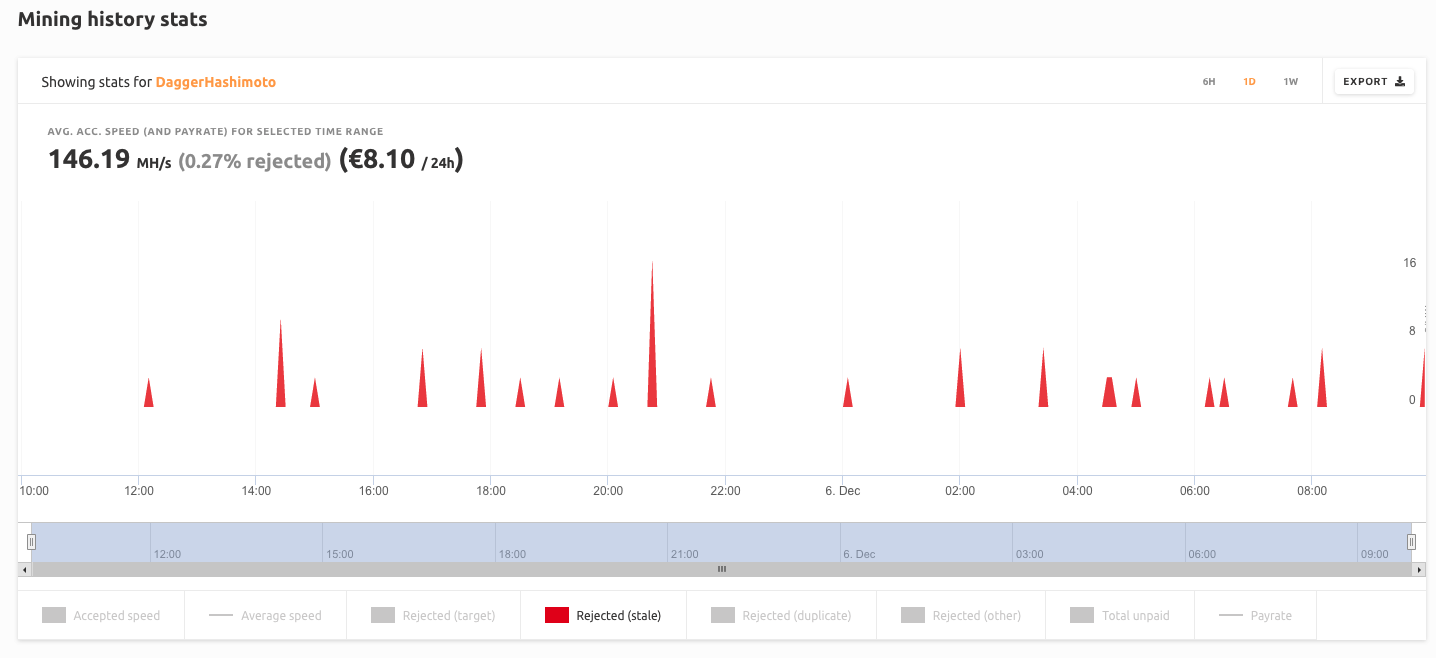
Observe how many rejects you have. Anything below 1% is great and expected. You are all set.
If there are more than 1% of rejects, then you need to change the mining stratum you are connected to. QuickMiner does that automatically upon the first run. You can download QuickMiner here.
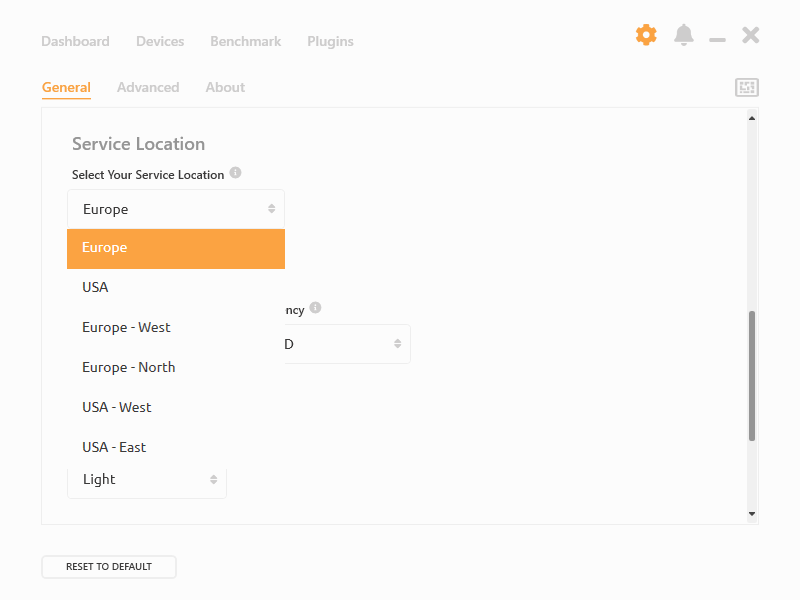
If you are using NiceHash Miner, you need to change your mining location by following these steps:
- Open NiceHash Miner
- Navigate to the General settings
- Locate Service Location
- Select the closest location to your physical location.
As always, feel free to join our community and share your thoughts! You can chat with NiceHash representatinves and thousands of other miners in our Discord server and subreddit.